Read heavy scanned PDFs, light and smooth.
Convert PDFs of self-scanned books and large documents into .yom, a reading-optimized format. Scanned books become fully searchable with OCR.

Free for 2 books · no account
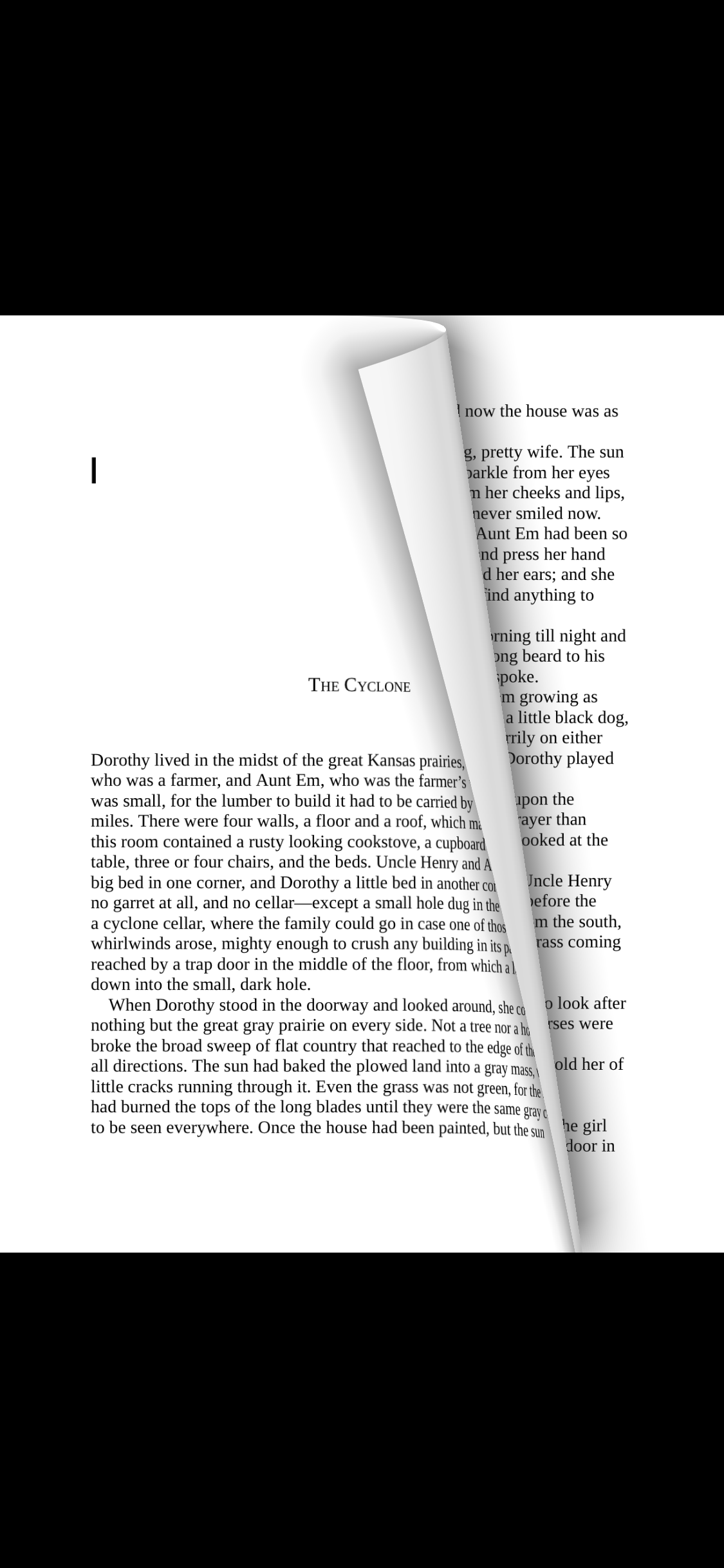
Fast page turns Self-scanned PDFs and large documents turn pages fast
Searchable scans Image-only PDFs are indexed with OCR so you can jump to the page
2 books free No account. From the 3rd book, a one-time unlock — no subscription
Built to read PDFs, not edit them
Not a generic viewer — a reader for pages you read like a book.
Heavy books turn smooth
Heavy scanned PDFs and large documents are re-composed for reading, so page turns stay light.
Search scanned books
Uses embedded text when present, on-device OCR when not. Jump from a result straight to the page.
Contents stay on device
Conversion, search, and reading all run on device. PDF contents are never sent to a server.
Why it’s light
A format designed for reading:
.yom
Yomu feels light because it converts PDFs into .yom, re-composed purely for reading — display and search get faster because the format does nothing else.
View yom-format on GitHub-
Reading-optimized
Page images and a search index, packaged for reading alone. Display and search get faster.
-
Smaller, not blurrier
Heavy scanned PDFs convert down in size while staying readable.
-
No lock-in
Your original PDF stays untouched. .yom is reading data created alongside it.
Add, convert, read
PDFs are readable as-is. Optimizing heavy books makes page turns lighter.
- STEP 1
Add a PDF
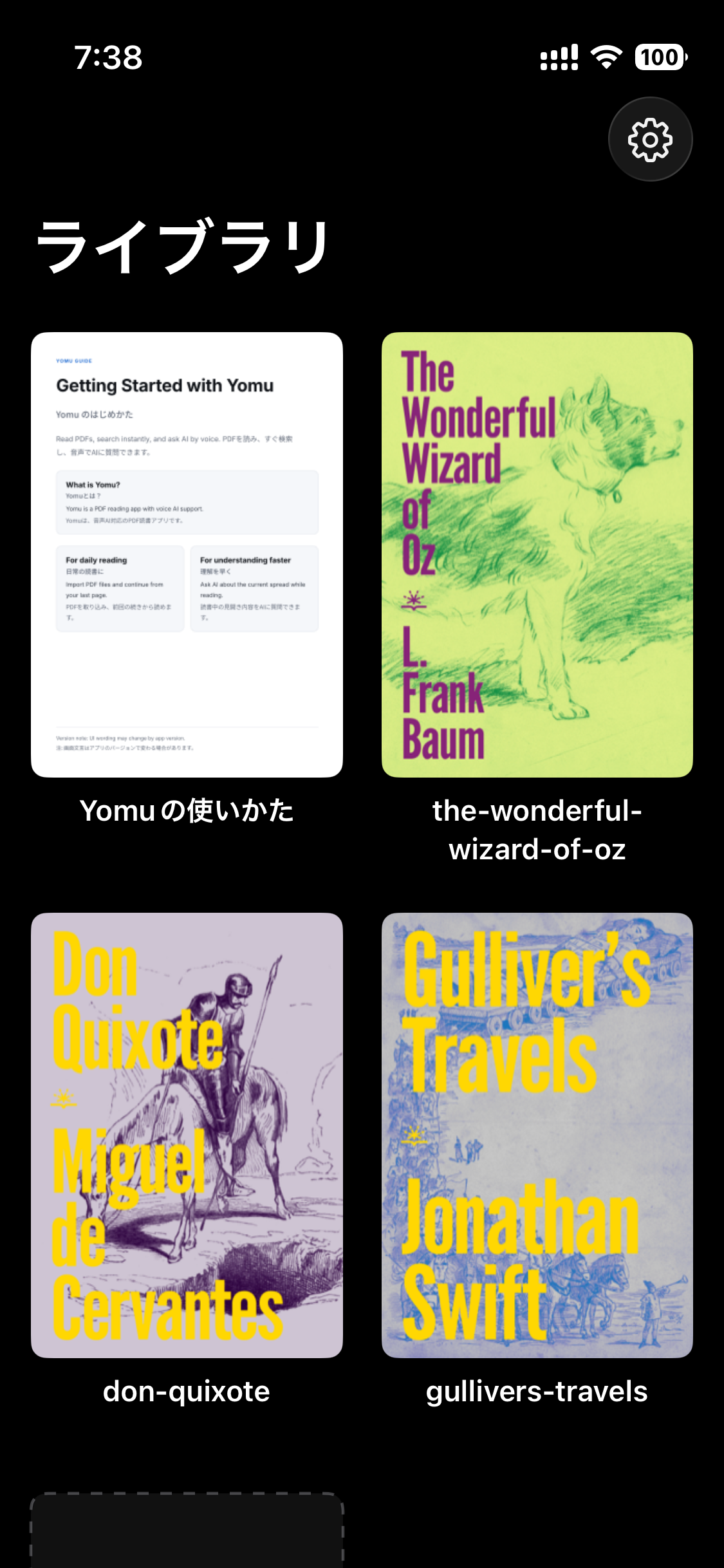
Import from Files or a browser and it lands on your shelf.
- STEP 2
Optimize if needed
Heavy books convert to .yom, building display data and a search index. Each book shows progress.
- STEP 3
Read like a book
Read with page turns, spreads, and full-text search; reach any page from a result or the fore-edge seek bar.
Pricing
Free
No account. Up to 2 books at once, with unlimited reading and search.
- Up to 2 books at a time
- Delete one to swap in another
- Reading and search stay unlimited
One-time unlock
Pay once to remove the book limit. No subscription, no auto-renewal.
- Add unlimited books beyond the 2nd
- One-time purchase, no subscription
- Purchase restoration supported
Billing and restoration go through the App Store. Pricing follows App Store terms.
Frequently Asked Questions
How much can I use for free?
Up to 2 books in your library at once, with unlimited reading and search. Delete one to swap in another.
Can I search scanned PDFs?
Yes. It uses embedded text when present and on-device OCR otherwise.
Can I read offline?
Yes. Imported books read offline, and contents or reading data are never uploaded to a server.
Heavy books, read lightly.
Read scanned books and large documents on iPhone / iPad. Start free with 2 books.